
WordPress Website Security for Pakistani Businesses: A Simple Checklist
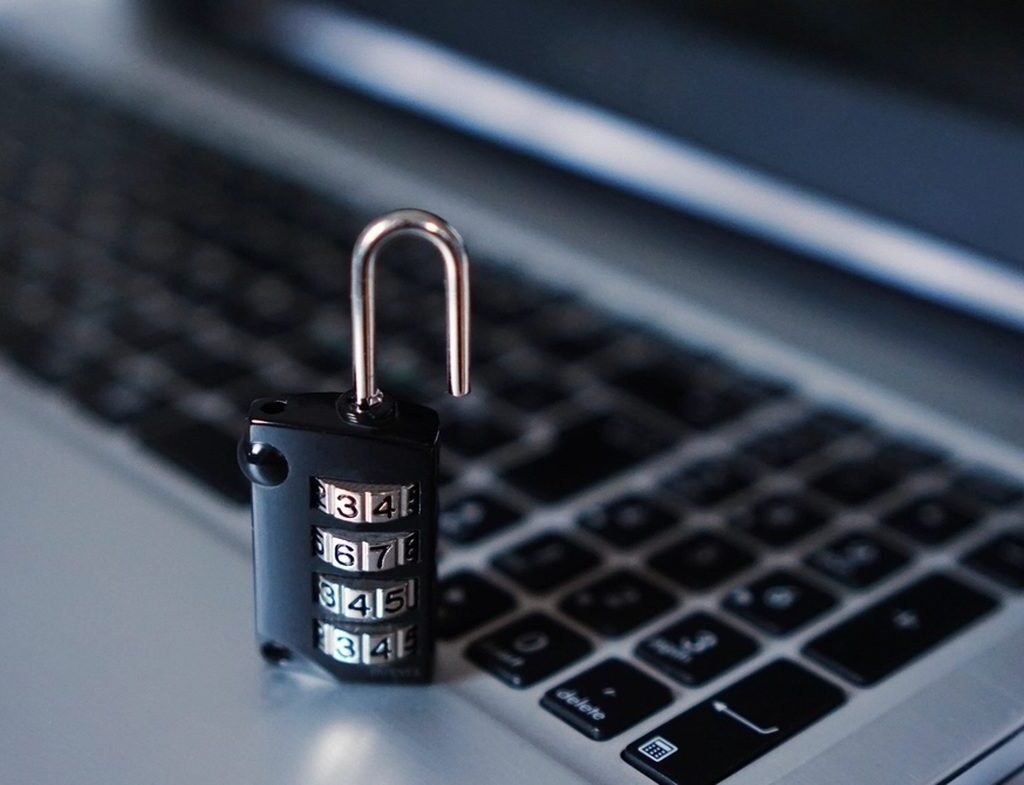
Every week we see WordPress sites from Islamabad and across Pakistan that were hacked without the owner noticing for months. Usually the signs are small: strange Japanese or pharma pages in Google results, a sudden drop in traffic, or the host suspending the account for sending spam. The fix is rarely dramatic. Most hacks come from a few predictable weaknesses that a simple routine would have closed.
Here is a practical WordPress website security checklist you can follow, even if you are not technical.
Security also affects trust. Visitors who see a browser warning or get redirected to a spam page rarely come back, and a hacked site can quietly send your enquiry emails to spam folders. For a business that relies on its website for leads, a security problem is a sales problem.
Know What You Are Protecting
Start by listing what lives on your site: contact form entries, customer accounts, order data, staff logins and the email accounts linked to your domain. Then note who has access: you, staff, your developer, your hosting company and any freelancers from past projects. Many breaches in Pakistan start with an old freelancer account that was never removed or a shared password sent over WhatsApp years ago. Knowing what you have and who can reach it makes the rest of this checklist much easier.
Why Small Business Sites Get Hacked
Attackers rarely target a business by name. Automated bots scan millions of sites for outdated plugins, weak passwords and open login pages. If your site has one of those, it gets picked up. That is why a small dental supplies shop or a consultancy is just as likely to be hit as a large brand.
1. Keep WordPress, Themes and Plugins Updated
Outdated plugins are the most common entry point. Update WordPress core, your theme and every plugin regularly, and delete plugins and themes you no longer use; inactive code can still be exploited. Before major updates, take a backup. If updates feel risky or time-consuming, a website maintenance plan handles this for you every month.
2. Use Strong Logins and Two-Factor Authentication
- Never use “admin” as a username
- Use long, unique passwords stored in a password manager
- Turn on two-factor authentication for all administrator accounts
- Give staff the lowest role they need (Editor or Author, not Administrator)
- Remove accounts of former employees and freelancers right away
Limit login attempts with a security plugin so bots cannot try thousands of passwords.
3. Choose Hosting That Takes Security Seriously
Cheap shared hosting with old PHP versions and no isolation between accounts puts you at risk. Look for a host that offers current PHP, a web application firewall, malware scanning, daily backups and quick support. Paying a little more for hosting is usually cheaper than one hack cleanup.
4. Install SSL and Force HTTPS
An SSL certificate encrypts data between visitors and your site, and browsers now mark non-HTTPS sites as “Not secure”. Most hosts provide free SSL. After installing it, make sure every page redirects to HTTPS and there is no mixed content warning.
5. Back Up Off-Site, and Test Restores
A backup stored on the same server can disappear with the site. Keep automatic daily or weekly backups in a separate location such as cloud storage, and keep at least a few weeks of history. Once every few months, test restoring a backup to make sure it actually works.
6. Add a Security Plugin and Firewall
A reputable security plugin can scan for malware, block known bad IPs, limit logins and alert you to file changes. Do not stack several security plugins; one well-configured tool is better and lighter. If your site sits behind a CDN with a firewall, that adds another useful layer.
7. Watch Google Search Console
Google Search Console alerts you when it detects hacked content or security issues. It also shows strange new pages appearing in the index, often the first sign of a spam injection. Connect your site and check it at least monthly. A clean, secure site also supports your rankings; our SEO team in Islamabad checks Search Console as part of every audit.
8. Secure Your Forms and Email
Contact forms attract spam bots. Add a CAPTCHA or honeypot field, and make sure form notifications reach a real inbox. Set up SPF, DKIM and DMARC records for your domain so attackers cannot easily send fake emails in your name.
What To Do If Your Site Is Hacked
- Do not panic and do not delete everything
- Change all passwords: WordPress, hosting, FTP and database
- Restore a clean backup from before the hack if you have one
- Scan and remove malicious files and unknown admin users
- Update everything, then request a review in Search Console if Google flagged the site
If you are unsure, ask a professional. Partial cleanups often leave backdoors that let attackers return within days.
A Simple Monthly Security Routine
Once a month: update everything, check backups exist, review user accounts, run a malware scan and look at Search Console. This takes under an hour and prevents most problems. Our web development team can set this up or run it for you.
Frequently Asked Questions
Is WordPress safe for business websites?
Yes. WordPress core is well maintained. Most hacks come from outdated plugins, weak passwords and poor hosting, all of which you can control.
Do I need a paid security plugin?
Not always. A free version of a reputable plugin plus good hosting, updates and backups covers most small business sites. Paid versions add firewall rules and faster malware signatures.
How often should I back up my website?
Daily for sites that change often, such as stores or blogs; weekly for small brochure sites. Always back up before updates.
Will a hack affect my Google rankings?
It can. Spam pages, redirects or a security warning can quickly reduce traffic. Fast cleanup and a Search Console review usually help rankings recover.
Worried about your site? Contact GlobalsWeb for a quick security check.